
How to Draw Expressive Characters Digitally in Procreate
One of the most fun parts of illustrating is creating characters that feel alive. Expressive characters—those that jump off the page and make people smile, laugh, or gasp—are essential in children’s books and graphic novels. Drawing them digitally in Procreate has its own perks, and over the years I’ve picked up a few tricks to make my characters feel full of personality.
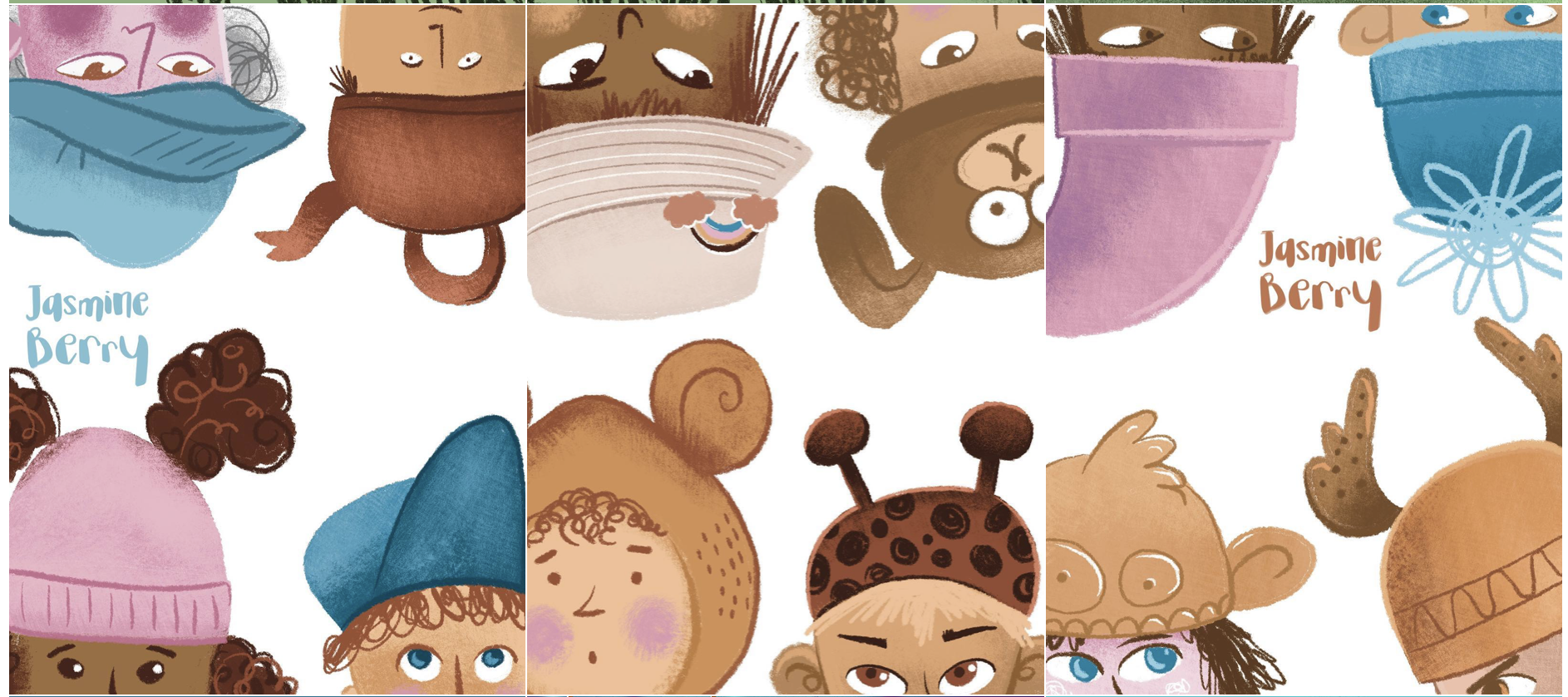
1. Start With a Gesture
I always begin with a quick gesture sketch. Even just a few lines can communicate movement, mood, and energy. In Procreate, I use a pencil brush at low opacity and sketch loosely—don’t worry about clean lines yet. The gesture is the foundation of expression.
2. Exaggerate Features and Poses
Exaggeration is key to making characters readable and expressive. Big eyes, dramatic poses, or over-the-top reactions convey emotion quickly. Procreate makes it easy to adjust proportions on the fly—use the Transform Tool to stretch, squash, or tweak your characters until they feel dynamic.
3. Use Facial Expressions as Storytelling
Faces tell a story. I practice drawing a single character showing multiple emotions—happy, frustrated, surprised, sleepy. Procreate’s layers are perfect for this: I create a layer for each expression and compare them side by side. Small tweaks in eyebrows, mouth shape, or eye size can make a huge difference.
4. Body Language Matters
Sometimes, emotion isn’t on the face—it’s in the stance or gesture. Slumped shoulders, bouncing steps, or hands flailing in excitement add life to a character. I often sketch multiple poses on separate layers and then refine the one that feels most expressive.
5. Play With Line Weight and Brush Choice
Line weight can add a lot of personality. Thicker lines can suggest weight or boldness; thinner lines can make a character feel delicate or nervous. Procreate’s brush library, combined with pressure sensitivity, lets me vary lines easily to enhance expression.
6. Colour and Mood
Colour also communicates emotion. Warm, bright colours can convey energy and happiness, while cooler, muted colours suggest calm, sadness, or tension. I use custom palettes in Procreate to keep my character colours consistent while experimenting with mood.
7. Reference and Observation
Even the most imaginative characters are rooted in reality. I observe people, children, pets—anything with movement or emotion. I’ll take quick photos, watch short video clips, or sketch live to capture gestures and reactions, then exaggerate them digitally.
8. Experiment
Sometimes your first sketch won’t have the expression you want—and that’s okay! I use duplicate layers in Procreate to try variations quickly. Adjusting eyes, hands, or posture often transforms a “meh” sketch into something full of personality.
9. Consistency Across Multiple Pages
For graphic novels or children’s books, keeping expressions consistent across multiple illustrations is key. I often create a reference sheet in Procreate with a character’s main expressions and poses to refer back to while drawing. I have a ‘MASTER SHEET’ for each character and refer to this over and over again.
Also…
Drawing expressive characters digitally is all about observing, exaggerating, and experimenting. Procreate makes the process fast and forgiving, letting you play until your characters feel alive. The more you practice, the more naturally expressive your characters will become—so dive in, have fun, and let your characters tell their story.
Hey, there! I’m Jasmine Berry, a freelance illustrator based in sunny Perth, Western Australia. Most days you’ll find me sketching away on my iPad or surrounded by pencils and cats, chasing new ideas. I like to think of myself as eternally optimistic—always seeing the fun, the colour, and the possibility in every project I take on. Send me a message if you would like to collaborate on a project.