
How I Use Genially as an Illustrator
Illustration has always been about storytelling for me. Whether I’m drawing characters, maps, or picture book spreads, I want my work to spark curiosity and invite people in. Recently, I’ve been experimenting with a digital tool called Genially, and it’s opened up a whole new way to share and expand on my illustrations.
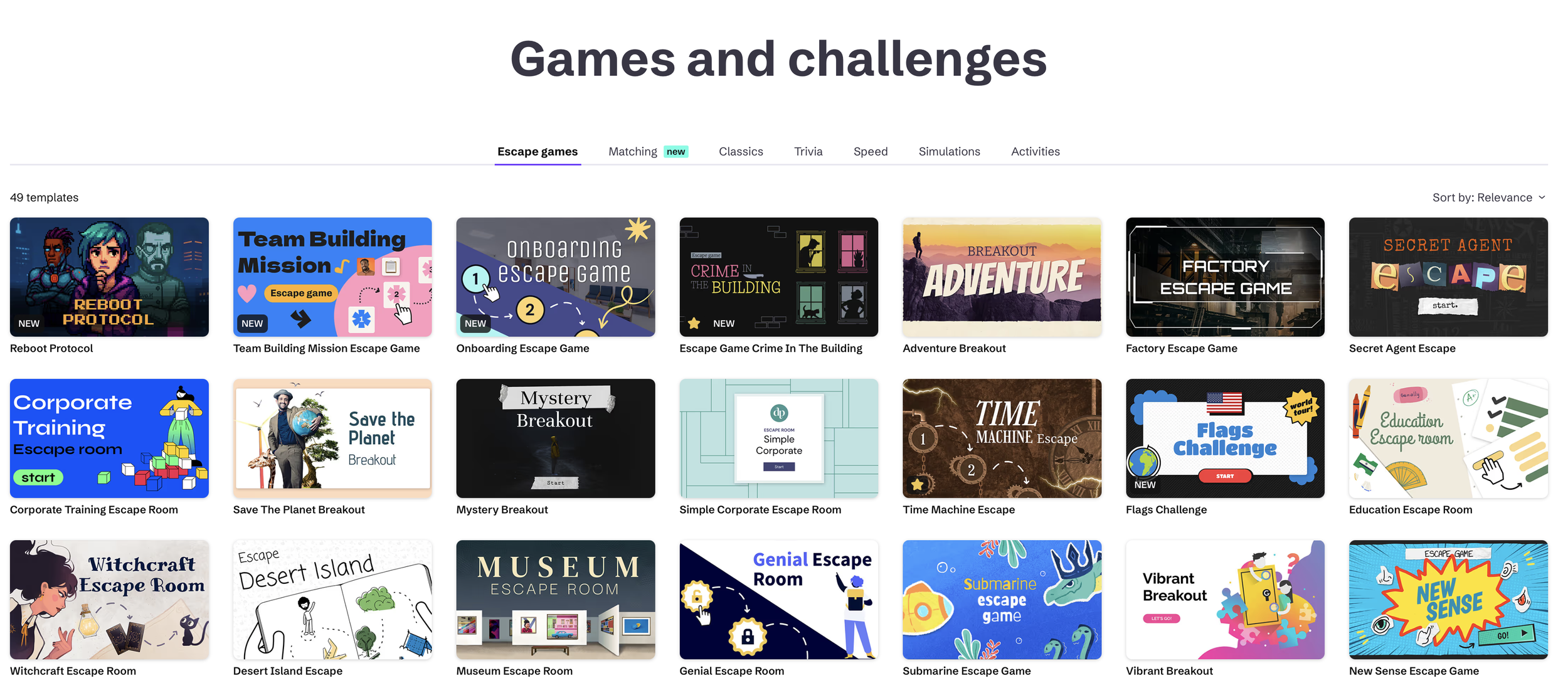
While Genially is often marketed for teachers and businesses, I’ve found it to be an exciting platform for illustrators too. It allows me to take my static artwork and make it interactive — which not only adds playfulness but also gives potential clients, publishers, and audiences a fresh way to experience my work.
Here’s how I’ve been using it.
Interactive Portfolios
One of the first things I tried was creating an interactive portfolio. Instead of a flat PDF where you scroll page by page, I designed a clickable experience where art directors can explore categories like:
Picture book spreads
Illustrated maps
Character design sketches
Each section opens up to more artwork, and I can even add notes about the project, links to published books, or behind-the-scenes process shots. It feels more like a gallery than a static document.
Bringing Maps and Diagrams to Life
I love designing illustrated maps, so Genially was the perfect place to take them further. I can upload the map and then add hotspots that people click on to reveal extra details:
Fun facts about landmarks
Character doodles or hidden objects
Pop-ups with extra sketches
It’s a way of layering information and storytelling, which makes the map both useful and fun to explore.
Storytelling
One of the most exciting uses I’ve found is experimenting with interactive storytelling. I’ve played around with building “choose your own adventure” style paths, where viewers can click their way through a story illustrated entirely by me.
It’s not a finished picture book, but it’s a great playground for testing ideas — especially when thinking about children’s engagement with digital stories.
Sharing Work-in-Progress
Sometimes I use Genially almost like a visual journal. I’ll create a little presentation with:
Sketches and thumbnails
Colour experiments
A short video of my Procreate time-lapse
Then I can share it with collaborators or publishers so they see my thought process in a polished, easy-to-digest way. It’s much cleaner than sending a messy folder of files.
Creating Resources for Kids and Teachers
Since much of my illustration practice connects with children’s books and education, I’ve found Genially works beautifully for interactive classroom tools. For example:
A picture with clickable labels that teach vocabulary
A map with hidden animals for kids to find
A storytelling board where students can choose a path
It bridges illustration and teaching, which feels like a natural extension of my work.
UBER Professional Presentations
When pitching a new book concept, I sometimes need more than a written proposal. Genially lets me build sleek, animated presentations that showcase illustrations alongside the pitch text. It feels professional while still keeping the focus on my art.
Why I Keep Coming Back to Genially
For me, the magic of Genially is in its ease of use. I don’t need coding knowledge or advanced design software. I can drag and drop, play with layouts, and quickly add interactivity to my illustrations.
It also helps me stand out. In a crowded creative industry, showing work in a fresh format can make all the difference when trying to catch a publisher’s or client’s attention.
Try it? or no.
Genially has become a quiet but powerful part of my art practice. It’s taught me that illustration doesn’t have to stay flat on the page — it can move, click, and surprise. Whether it’s an interactive map, a playful portfolio, or a storytelling experiment, Genially has given me new ways to connect with audiences and to stretch my own creativity.
If you’re an illustrator curious about digital tools, I’d encourage you to give it a try. Start simple — upload a piece you’ve already created and add a few clickable hotspots. You might be surprised by how much fun it is, and by how it transforms the way people experience your art.
Hey, there! I’m Jasmine Berry, a freelance illustrator based in sunny Perth, Western Australia. Most days you’ll find me sketching away on my iPad or surrounded by pencils and cats, chasing new ideas. I like to think of myself as eternally optimistic—always seeing the fun, the colour, and the possibility in every project I take on. Send me a message if you would like to collaborate on a project.